
01
Understand the edit
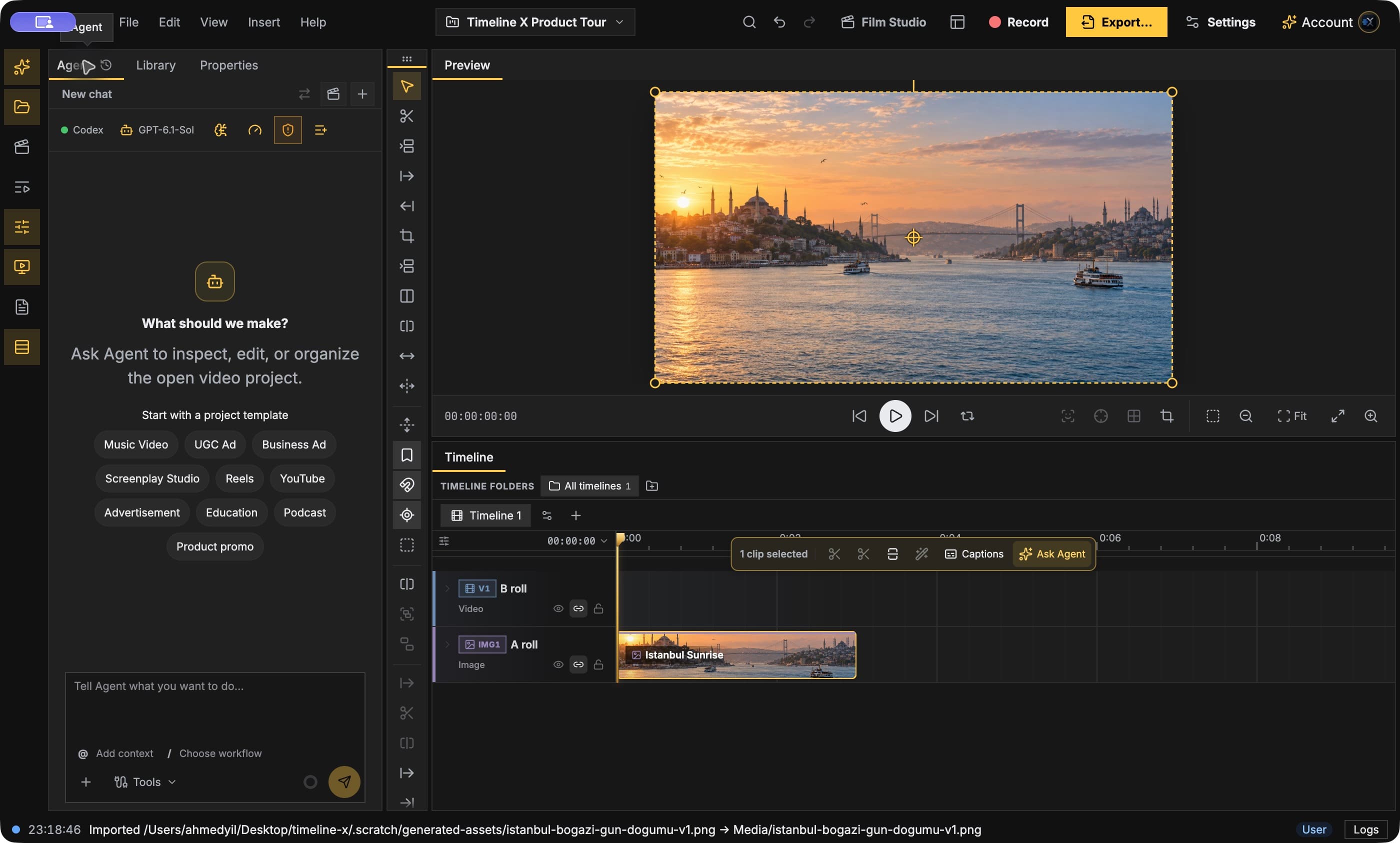
Summarize the open Timeline X project: duration, sequences and media. Do not change anything yet.
Review a project, ask for a composed preview and guide your edit from ChatGPT or Codex. Install the Codex plugin from GitHub for the connection plus workflow skills, or add only the HTTPS MCP connection to your client.
Codex plugin · HTTPS MCP + OAuth
Install the Timeline X plugin from GitHub: the hosted MCP connection plus 26 workflow skills in one step.
Install Timeline X Studio, open it, sign in and open the project you want to work on. The Codex CLI must be installed.
Run the two commands below in your terminal. They add the public kamileecher/timeline-x-plugin marketplace from GitHub and install the timeline-x plugin. Nothing is installed locally besides instructions and the connection address — no binaries or API keys.
Run the login command below. Your browser opens the Timeline X sign-in and consent page; sign in with the same account as your desktop and approve.
Ask: “Check my Timeline X connection status.” The desktop relay should show as ready and editing as available before you start editing.
codex plugin marketplace add kamileecher/timeline-x-plugin
codex plugin add timeline-x-studio@timeline-xcodex mcp login timeline-xCheck my Timeline X connection status.codex plugin marketplace upgradecodex plugin remove timeline-x-studio@timeline-xAlready using the separate MCP connection for the same server? Keep only one of them. Revoke access any time with codex mcp logout timeline-x.
Summarize the open Timeline X project: duration, sequences and media. Do not change anything yet.
Show the composed frame at the current playhead and describe what is visible.
Review the first five seconds and suggest a stronger opening using the media already in the Library.